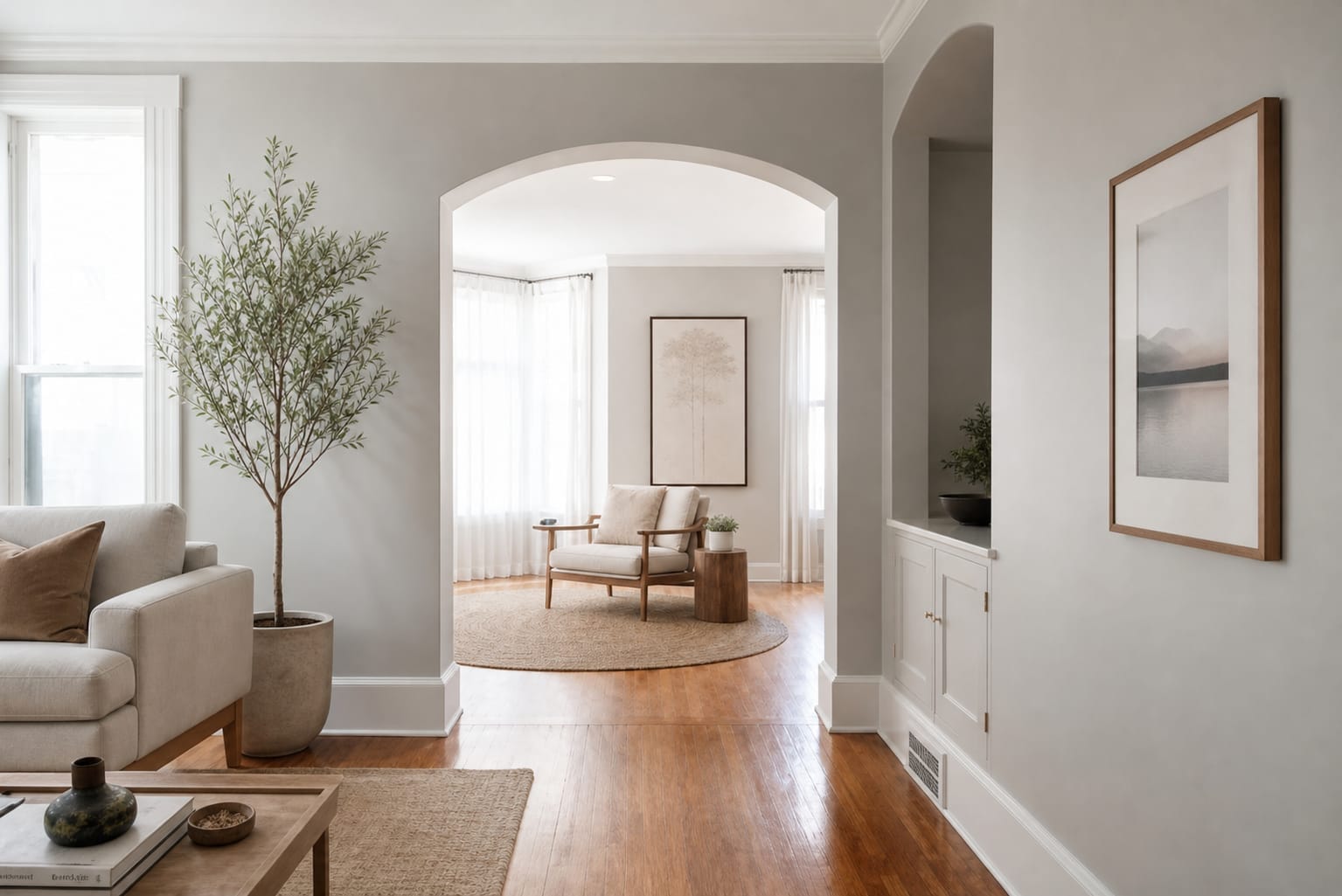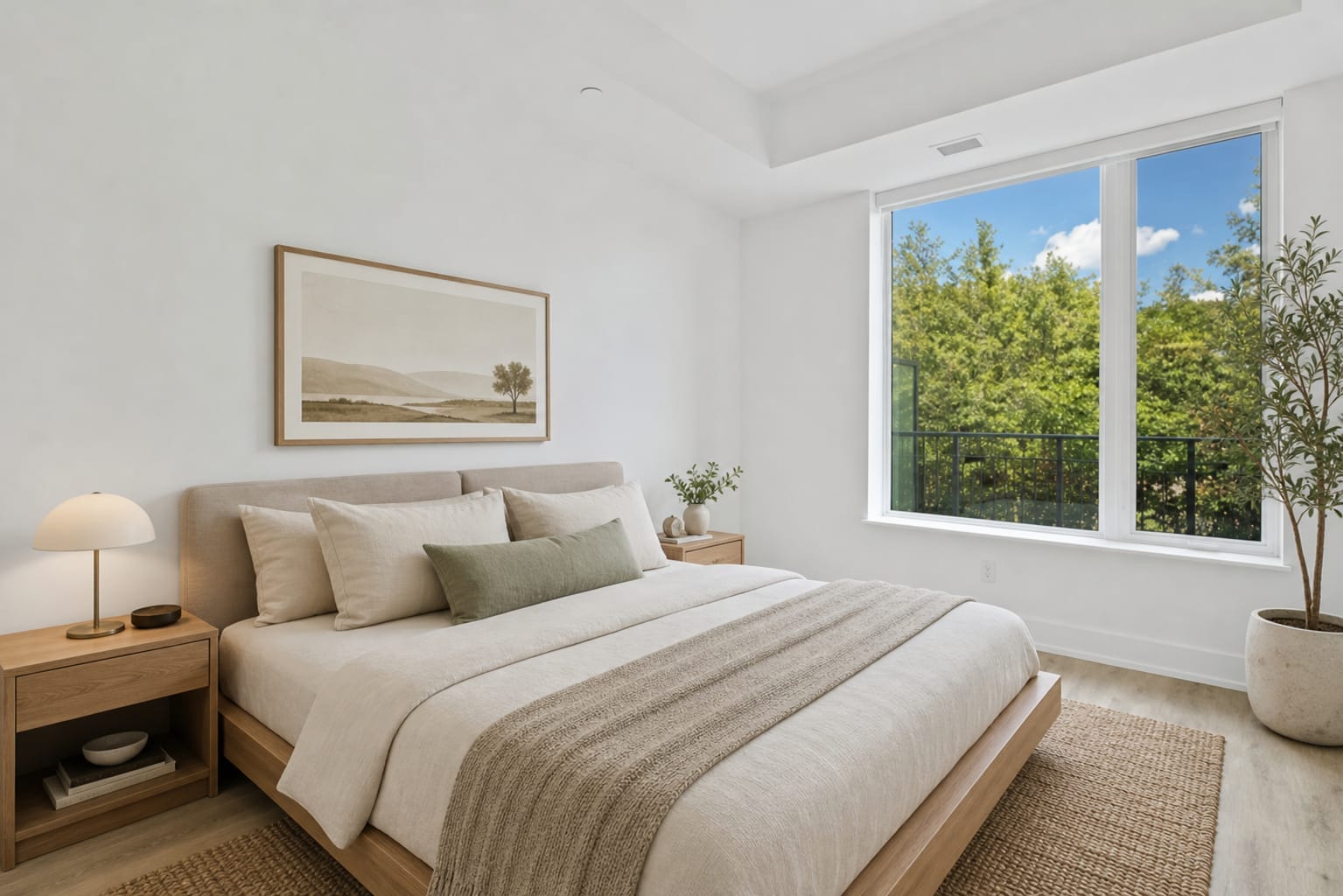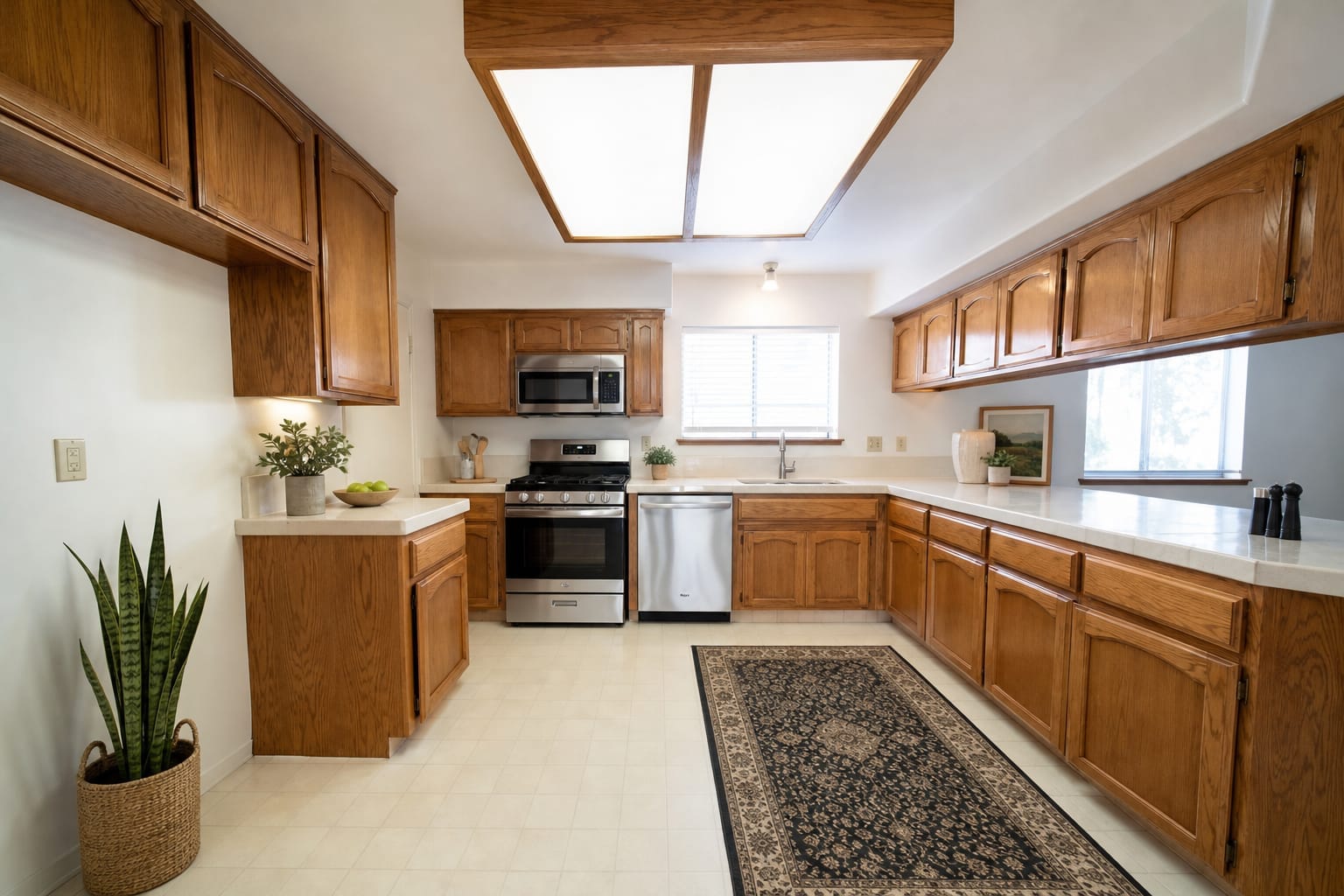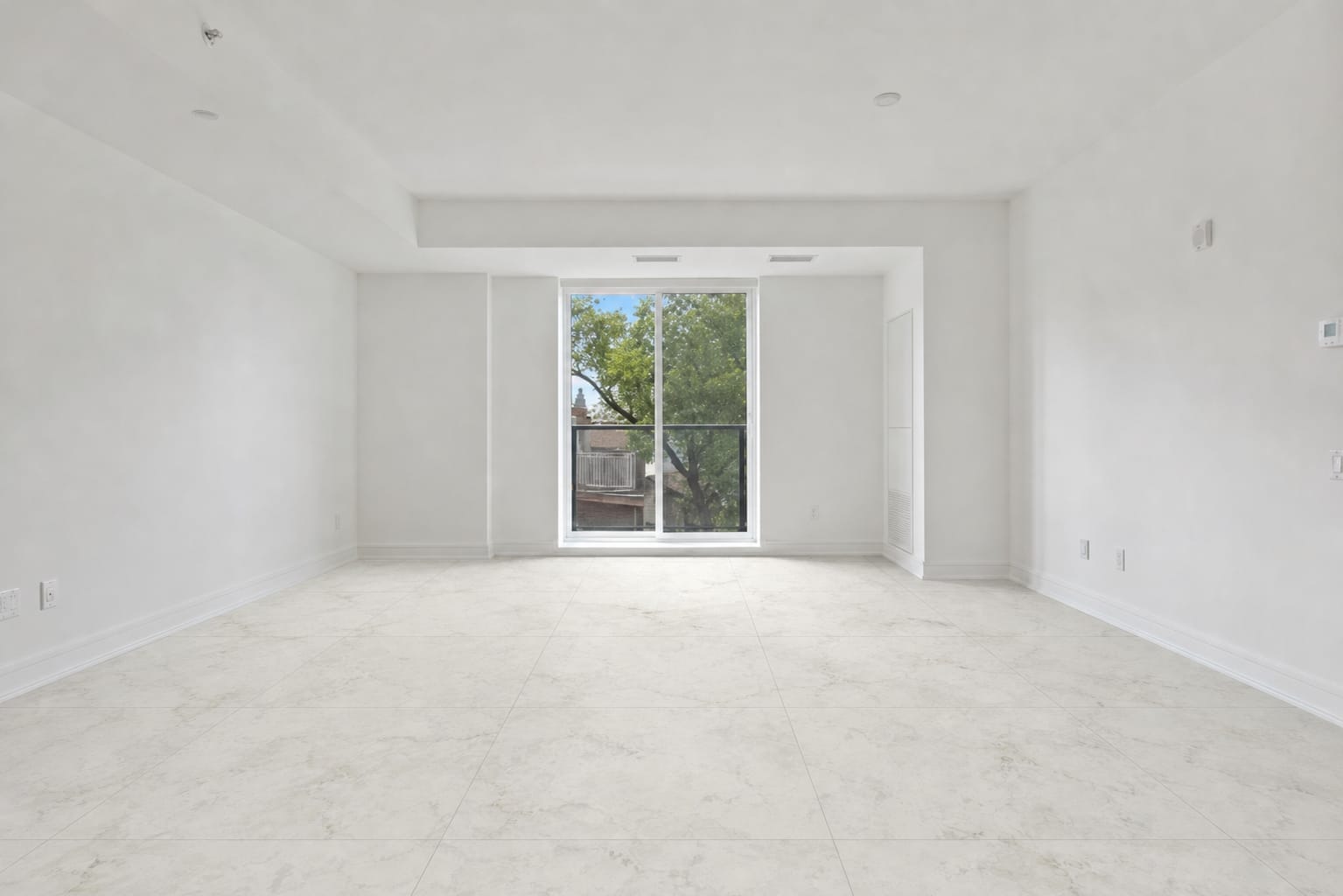
White marble
A light pattern to explore a bright, open appearance.
Real Arch.AI result · 1 generationTry White marbleMarble or terrazzo? Light or dark patterns? Compare results from real rooms, then try a floor option on your own photo before choosing materials.
Written by the Arch.AI team · Maintained by Gio · Updated
White marble
Upload a photo of your empty room, get a design like this
in seconds.
From Rp5,000 per design · Free trial tokens for new accounts
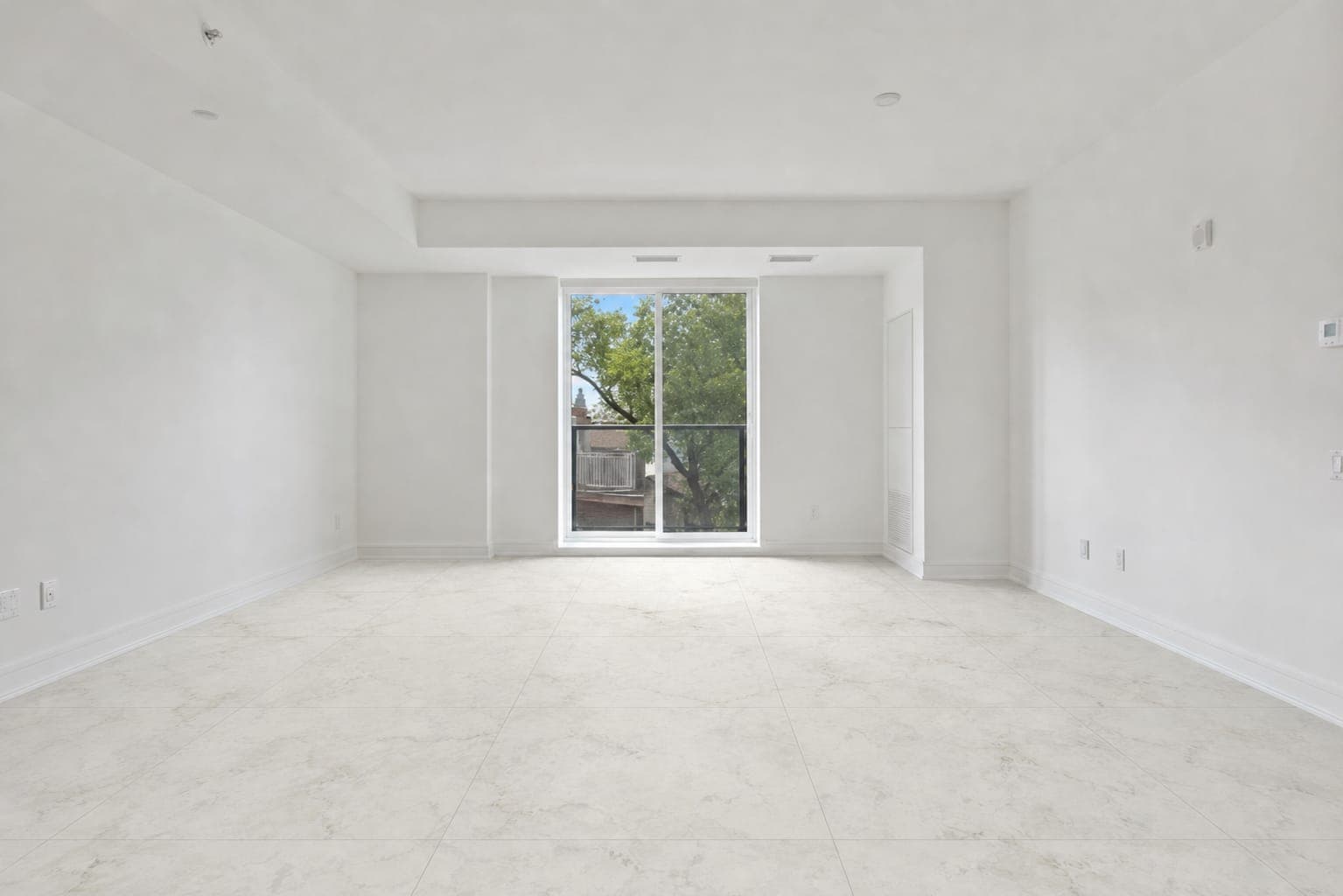
Before1 generation
Both living room examples use the same starting photo. Dining room and bathroom examples appear in separate groups.
Compare the pattern with its original room.
A light pattern to explore a bright, open appearance.
Real Arch.AI result · 1 generationTry White marble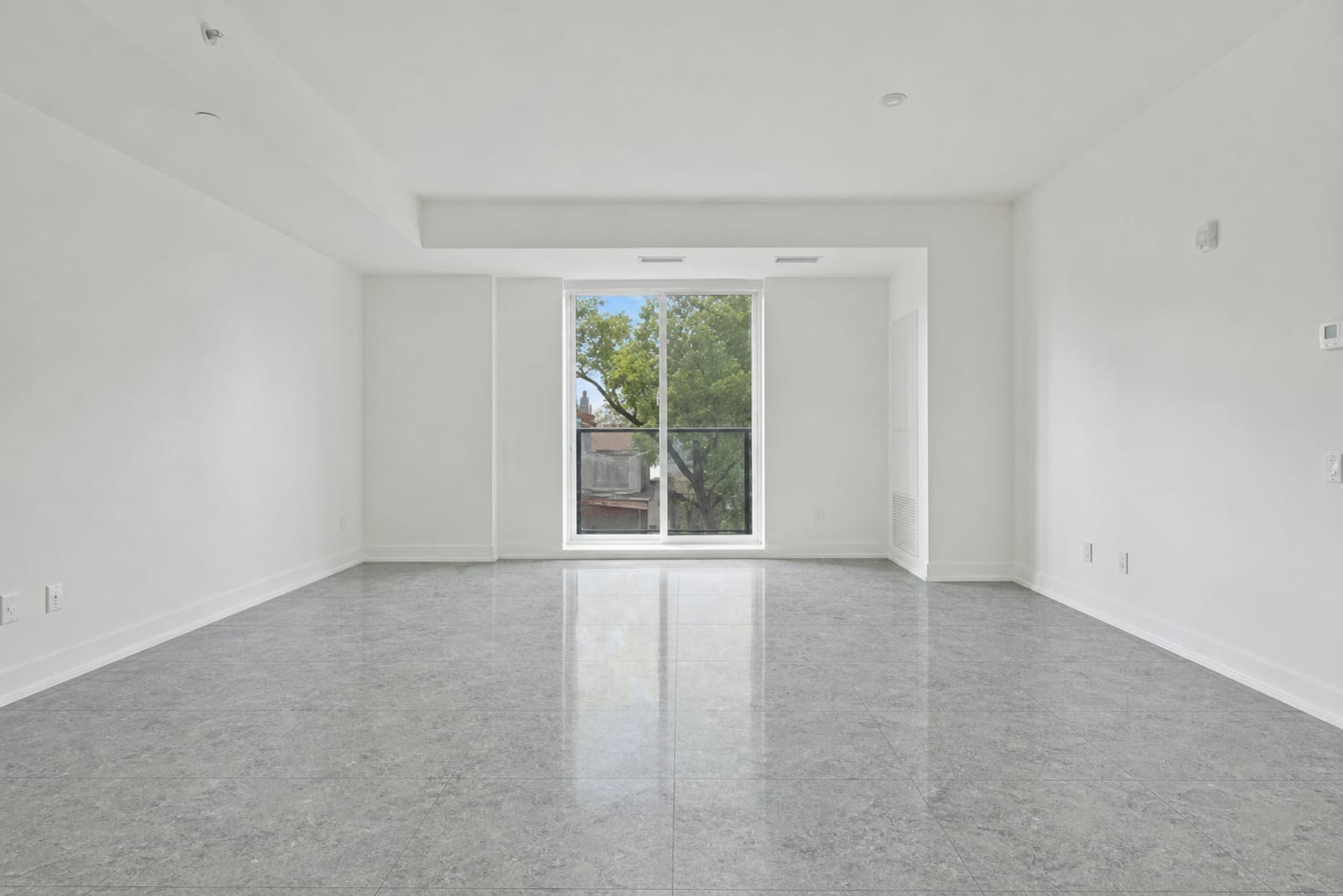
A grey pattern on the same room for comparison.
Real Arch.AI result · 1 generationTry Grey terrazzo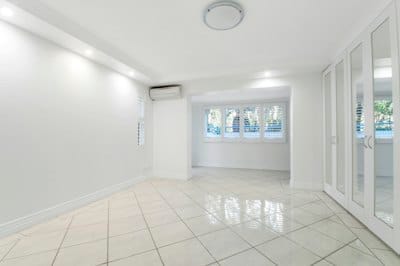
Compare the pattern with its original room.
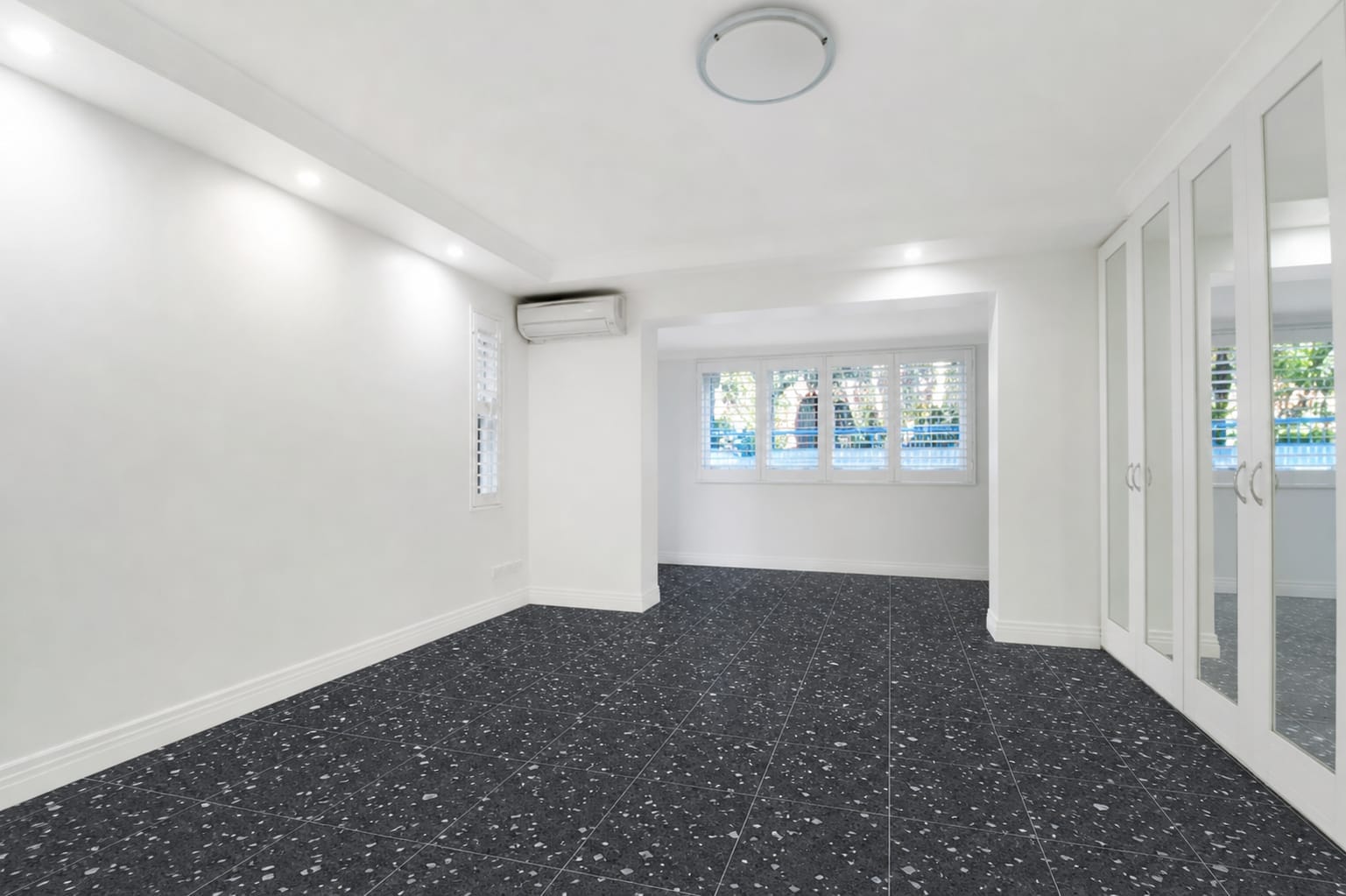
Dark flooring in a dining room as a contrast reference.
Real Arch.AI result · 1 generationTry Black terrazzo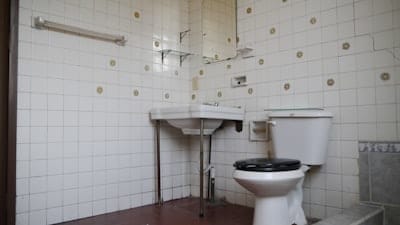
Compare the pattern with its original room.
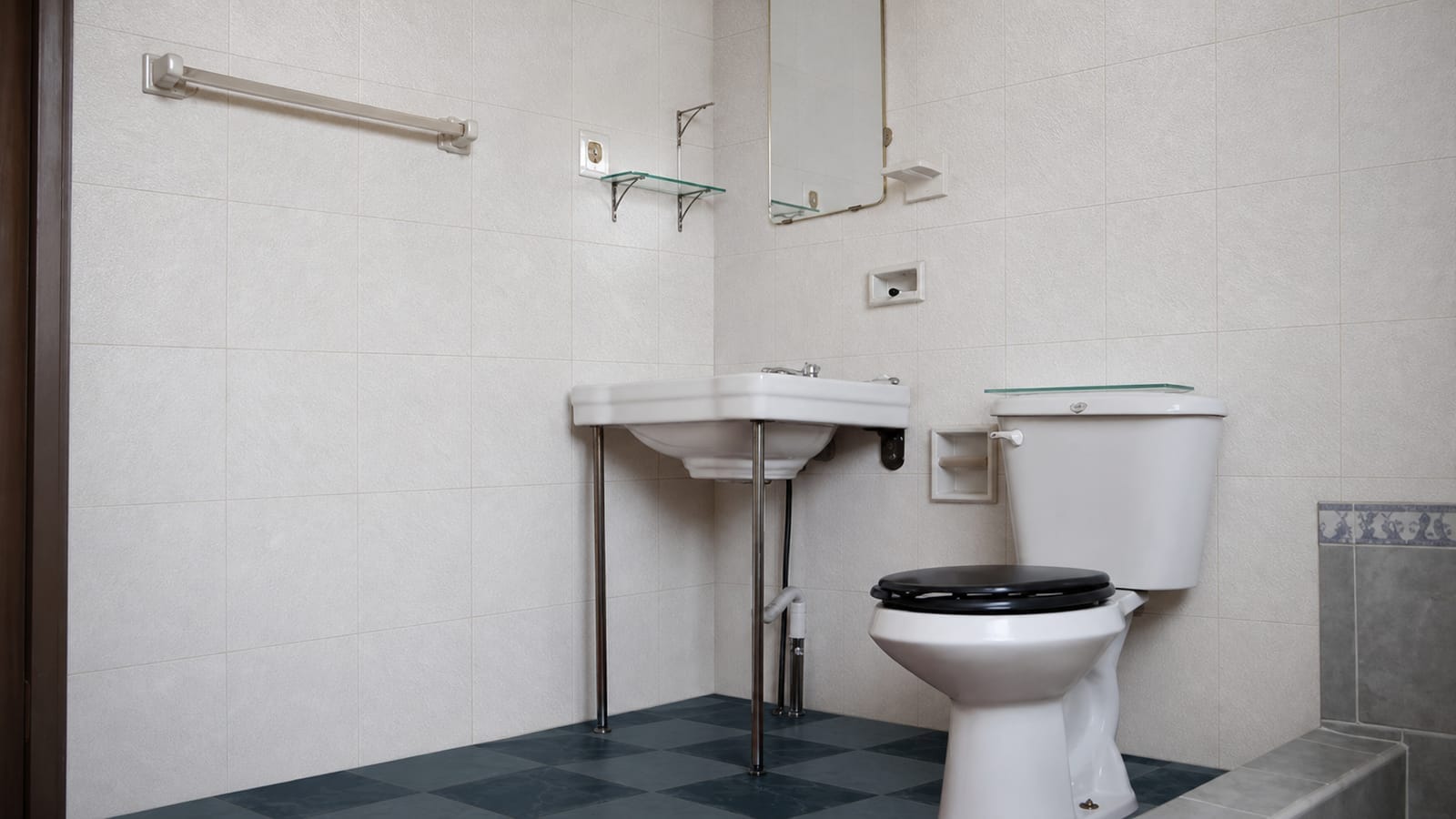
Explore floor and wall patterns in a bathroom example.
Real Arch.AI result · 1 generationTry Bathroom tilesLight, screens and pattern size affect the appearance. Use results to narrow your choices before visiting a store.
Take a wide photo of your room with enough light.
Choose a style to explore. For flooring, select or upload a tile photo.
Compare visual references before choosing furniture or materials to buy.
Try both on the same starting photo. Compare the base colour, pattern density and relationship to furniture. A visual result does not replace checking material samples.
Yes, using the tile photo upload in the generator. Photograph the sample under even lighting so the pattern is clear.
Photos, lighting and screens affect appearance. Check a physical sample again before purchasing.
This page includes a floor and wall simulation for a bathroom. Check the product’s specifications for suitability in wet areas.
The Starter pack costs Rp25,000 for 5 tokens (Rp5,000 per token). One token covers one AI design generation attempt. Results are visual concepts; check the original photo, measurements and room condition. See the Services page for all packs.
New accounts receive free trial tokens.