Modern kitchen
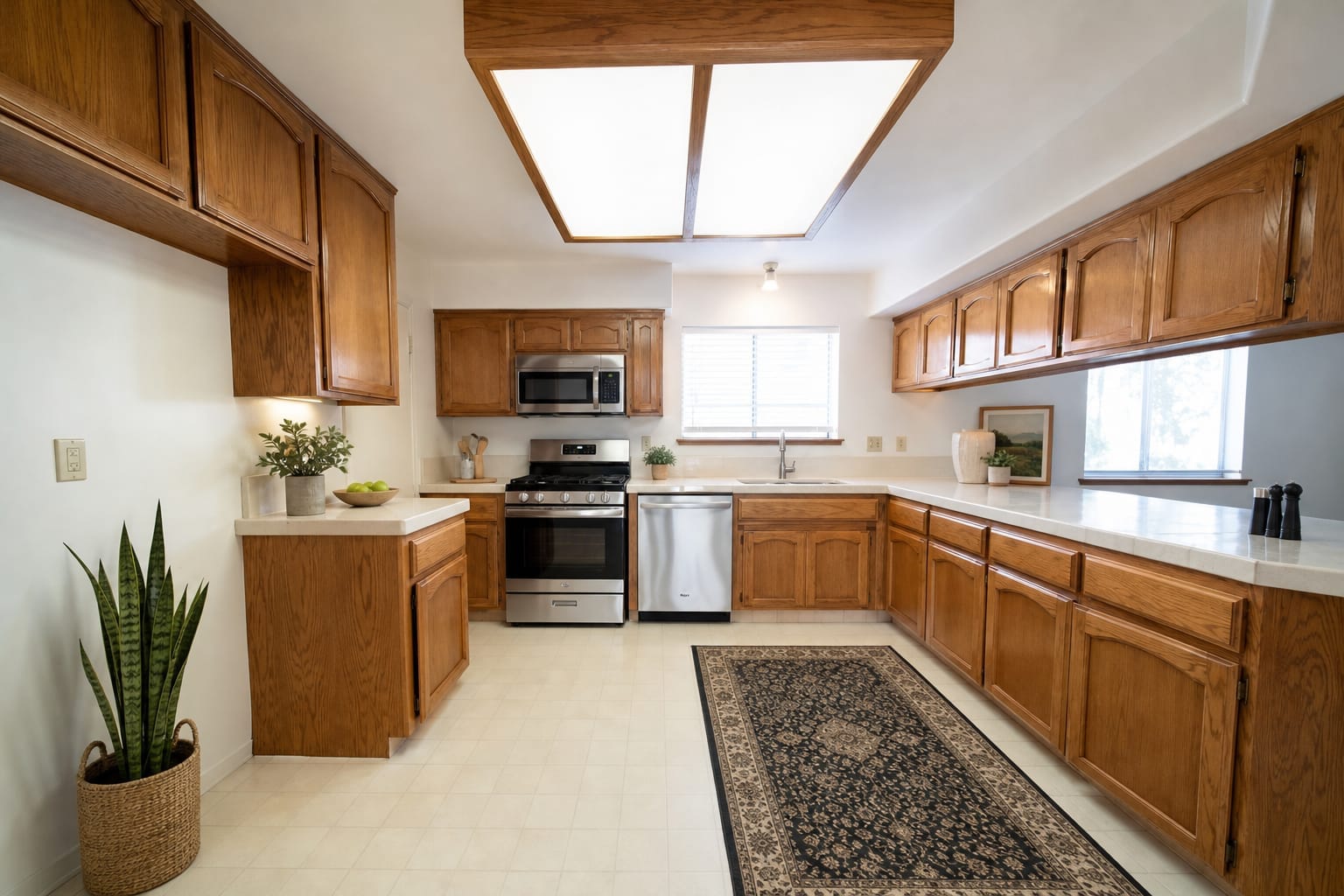
Show the kitchen’s potential with simple decoration.
Real Arch.AI result · 1 generationTry Modern kitchenEmpty rooms can be hard for buyers to picture. Explore five furnishing examples for different spaces, then try virtual staging on your own listing photo.
Written by the Arch.AI team · Maintained by Gio · Updated
Contemporary
Upload a photo of your empty room, get a design like this
in seconds.
From Rp5,000 per design · Free trial tokens for new accounts
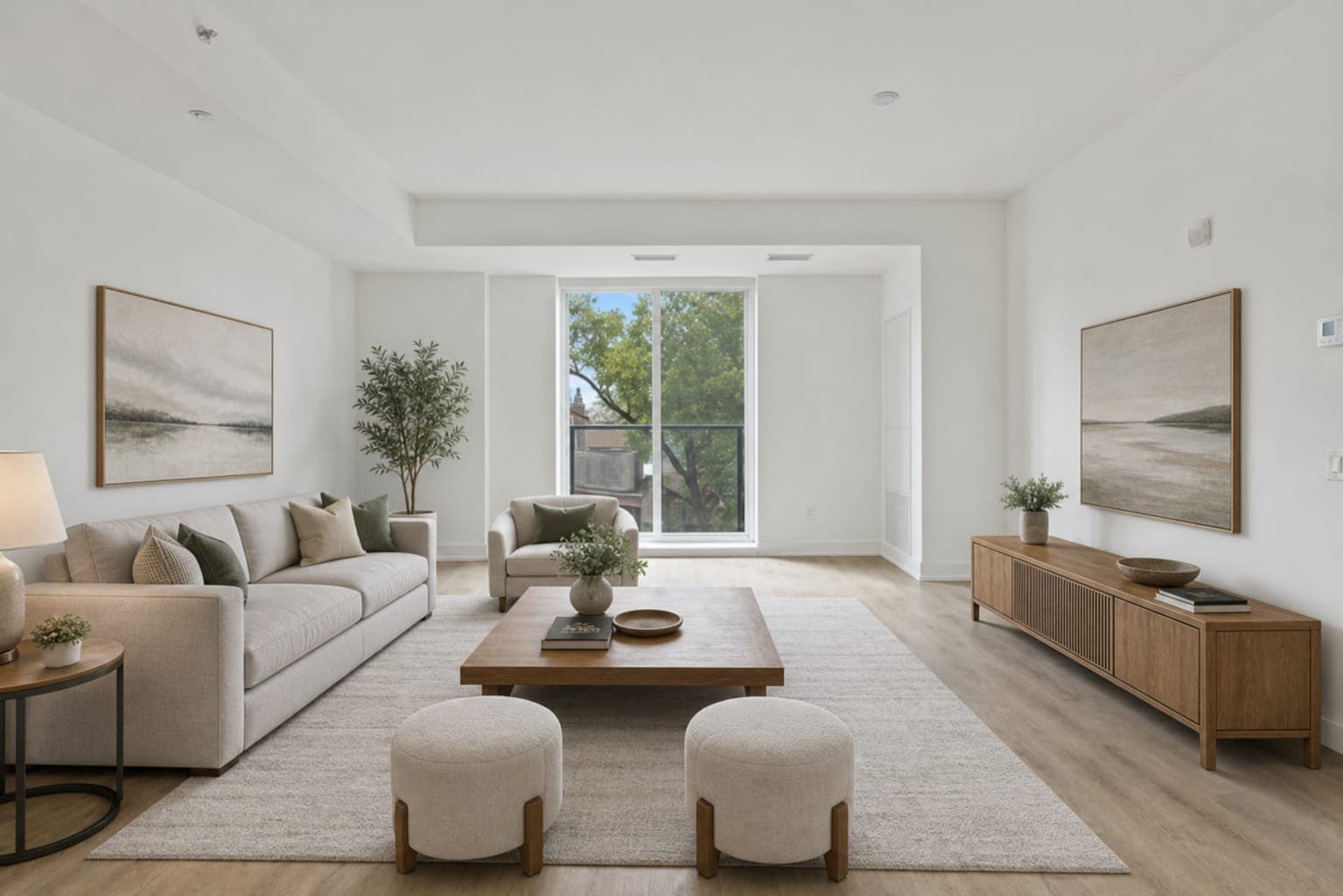
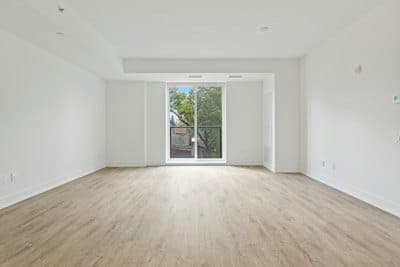
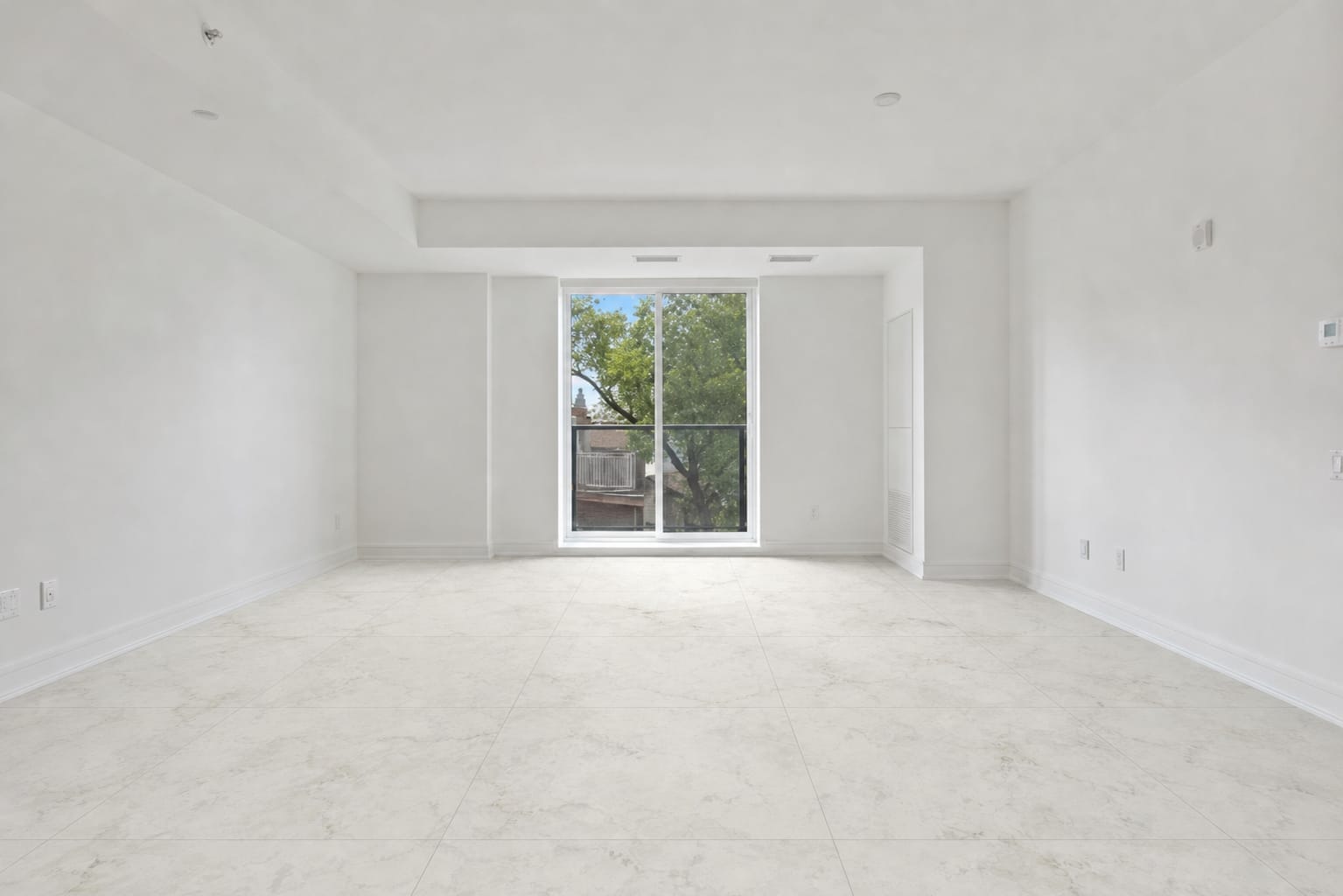
Before1 generation
Each result belongs to the starting photo shown with its group. Label listing images as virtual staging illustrations.
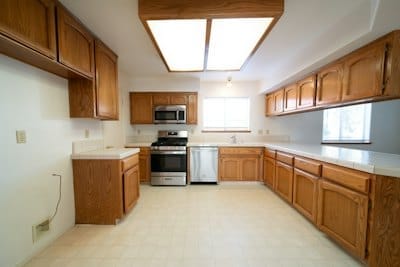
A real result from the original photo shown here.
Show the kitchen’s potential with simple decoration.
Real Arch.AI result · 1 generationTry Modern kitchen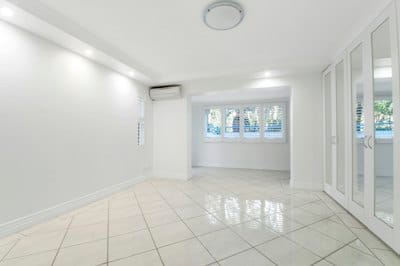
A real result from the original photo shown here.
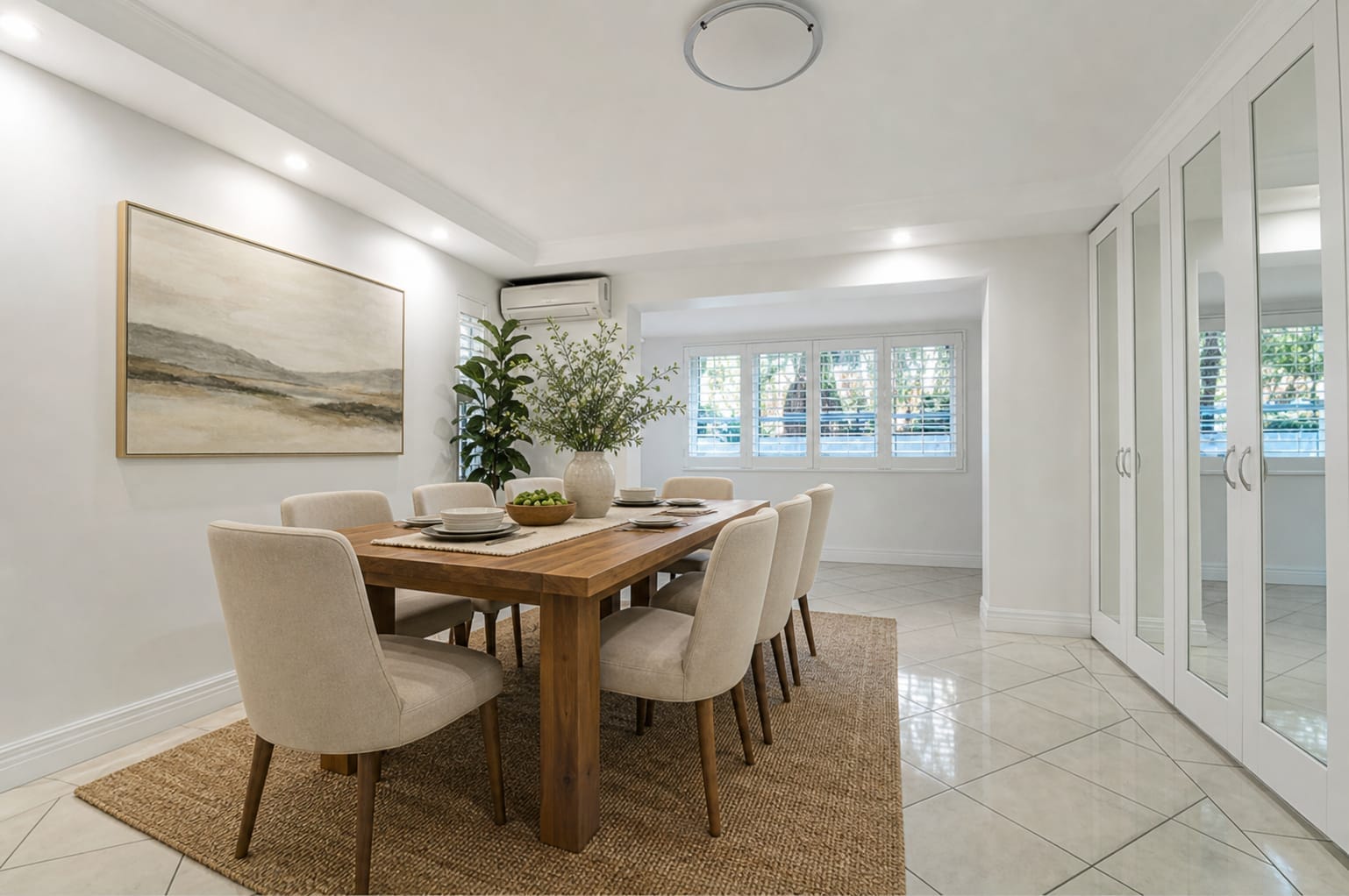
A table and chairs help buyers picture how the room works.
Real Arch.AI result · 1 generationTry Modern dining room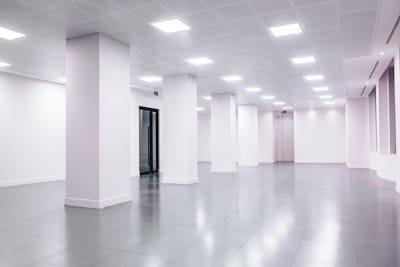
A real result from the original photo shown here.
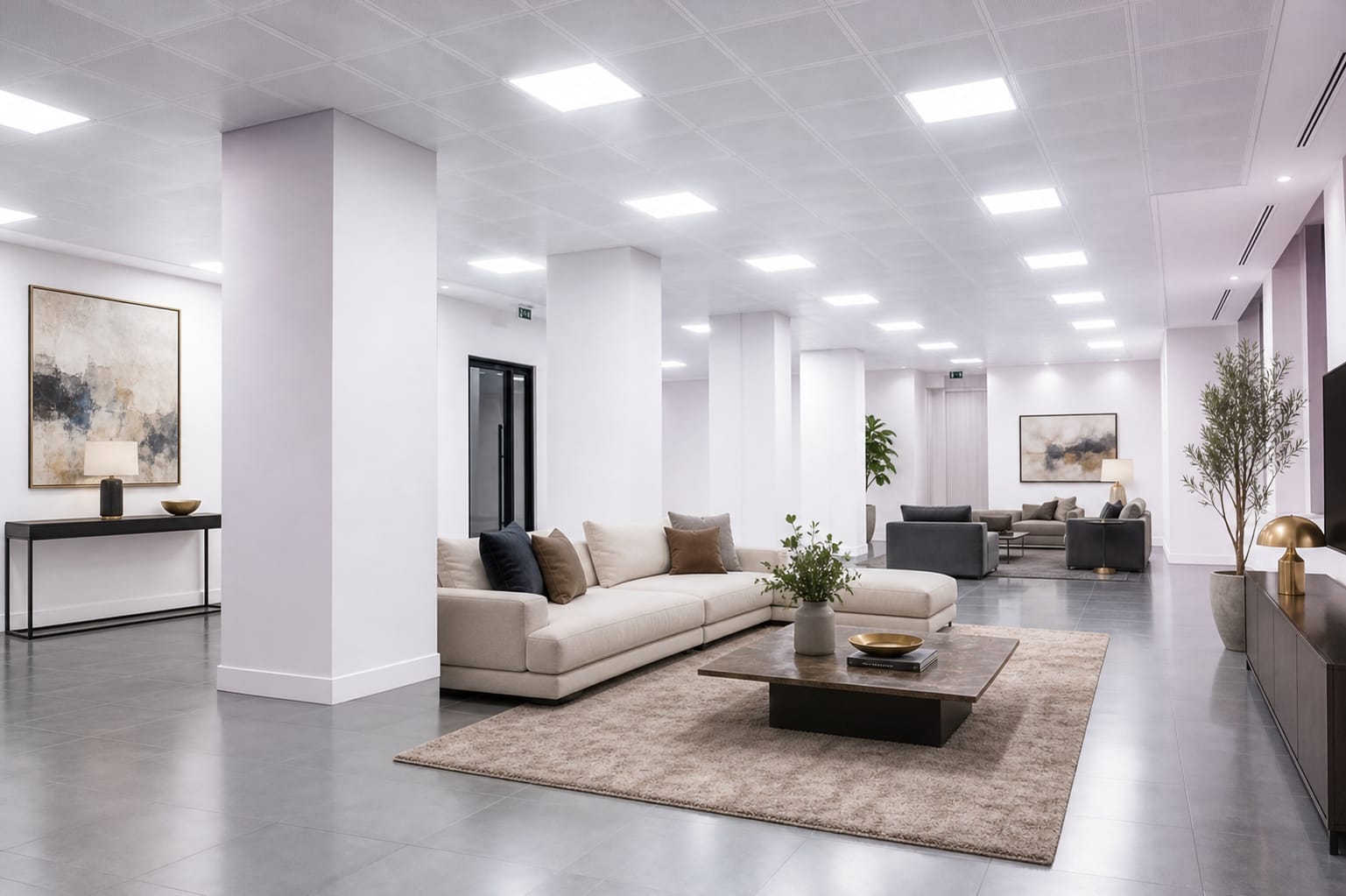
Furniture illustrates a possible use for a rental space.
Real Arch.AI result · 1 generationTry Office space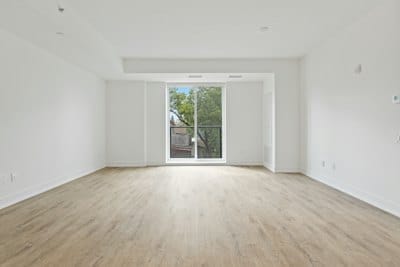
A real result from the original photo shown here.
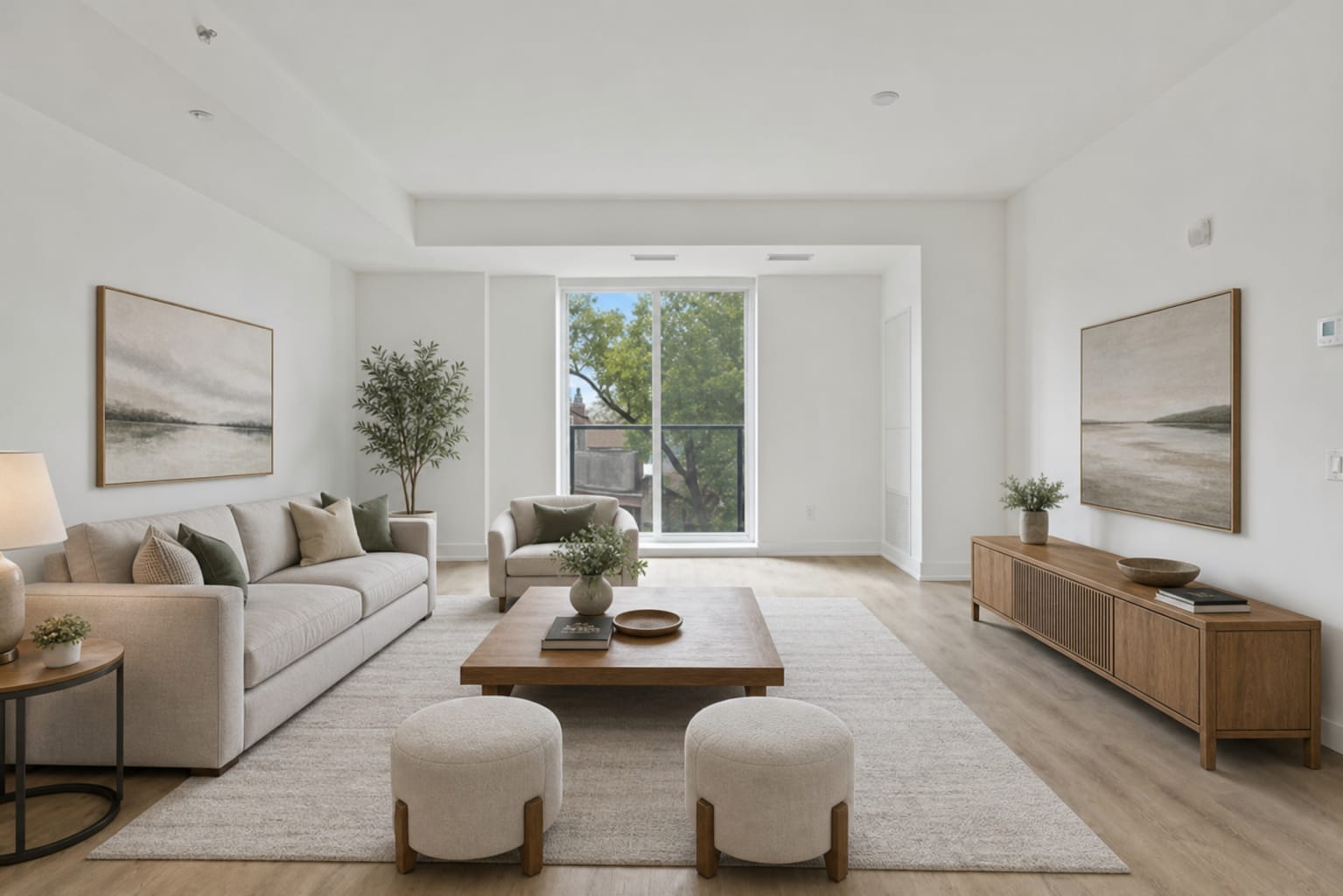
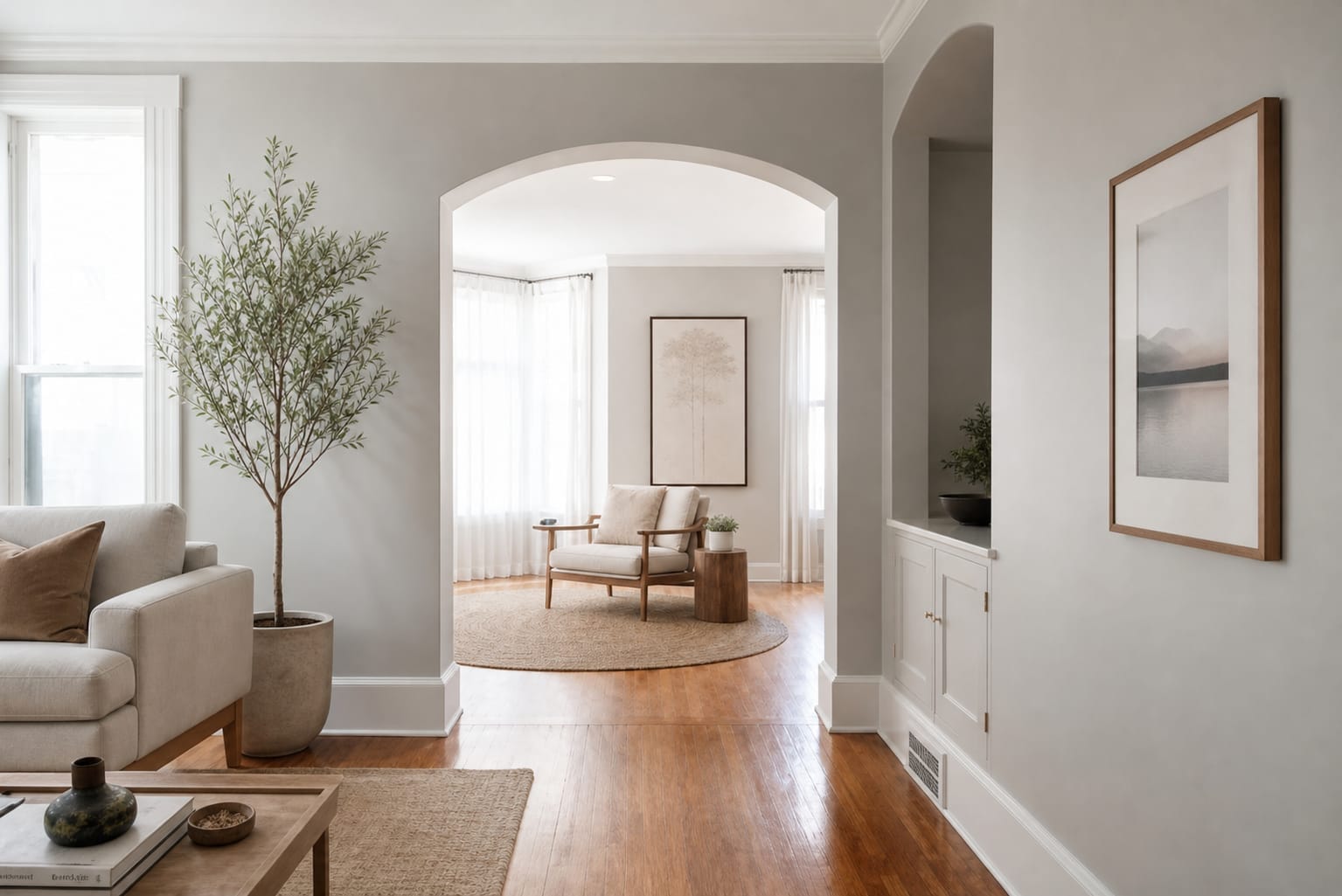
Neutral seating, soft shapes and wooden accents.
Real Arch.AI result · 1 generationTry Contemporary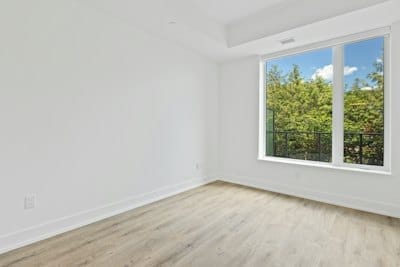
A real result from the original photo shown here.
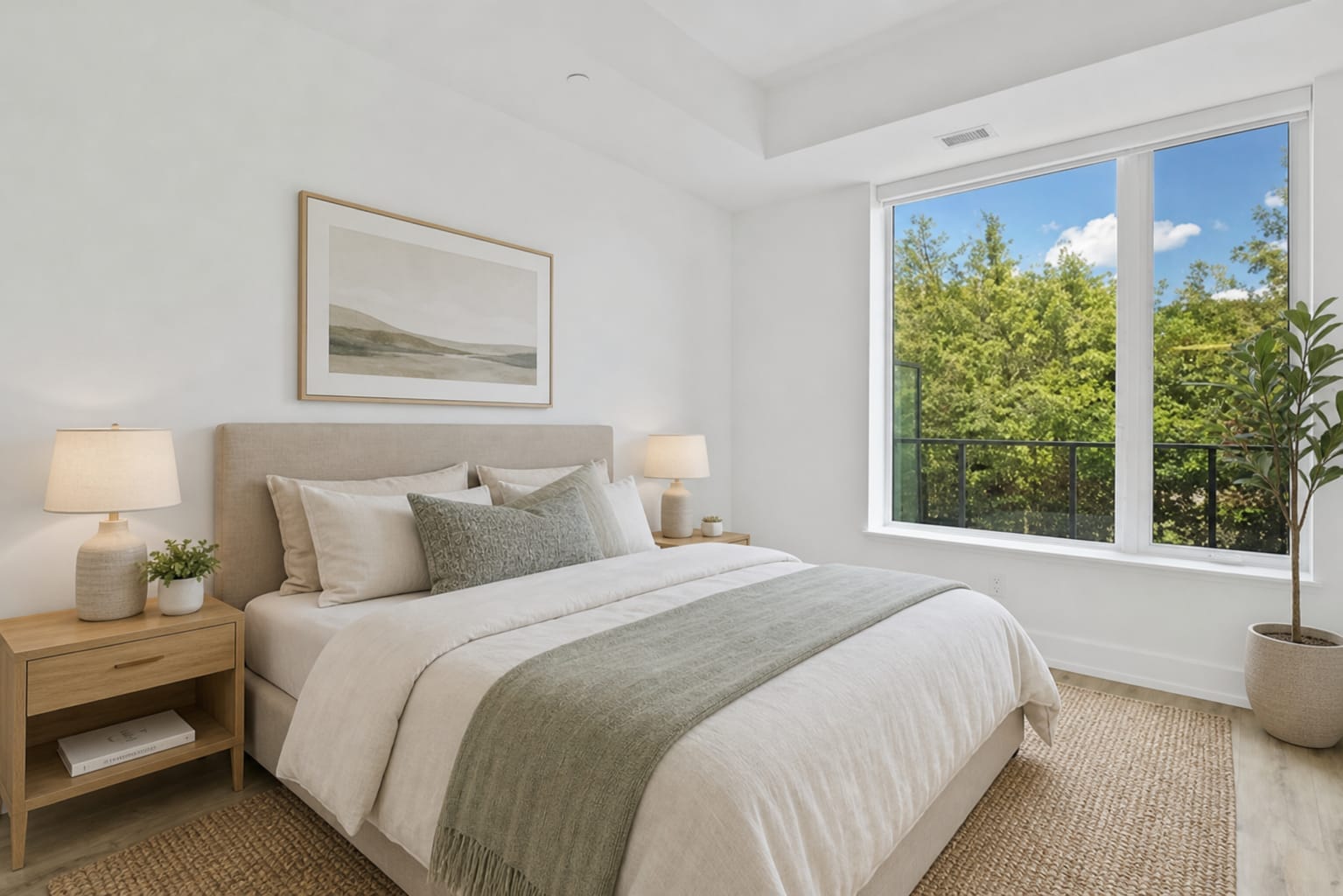
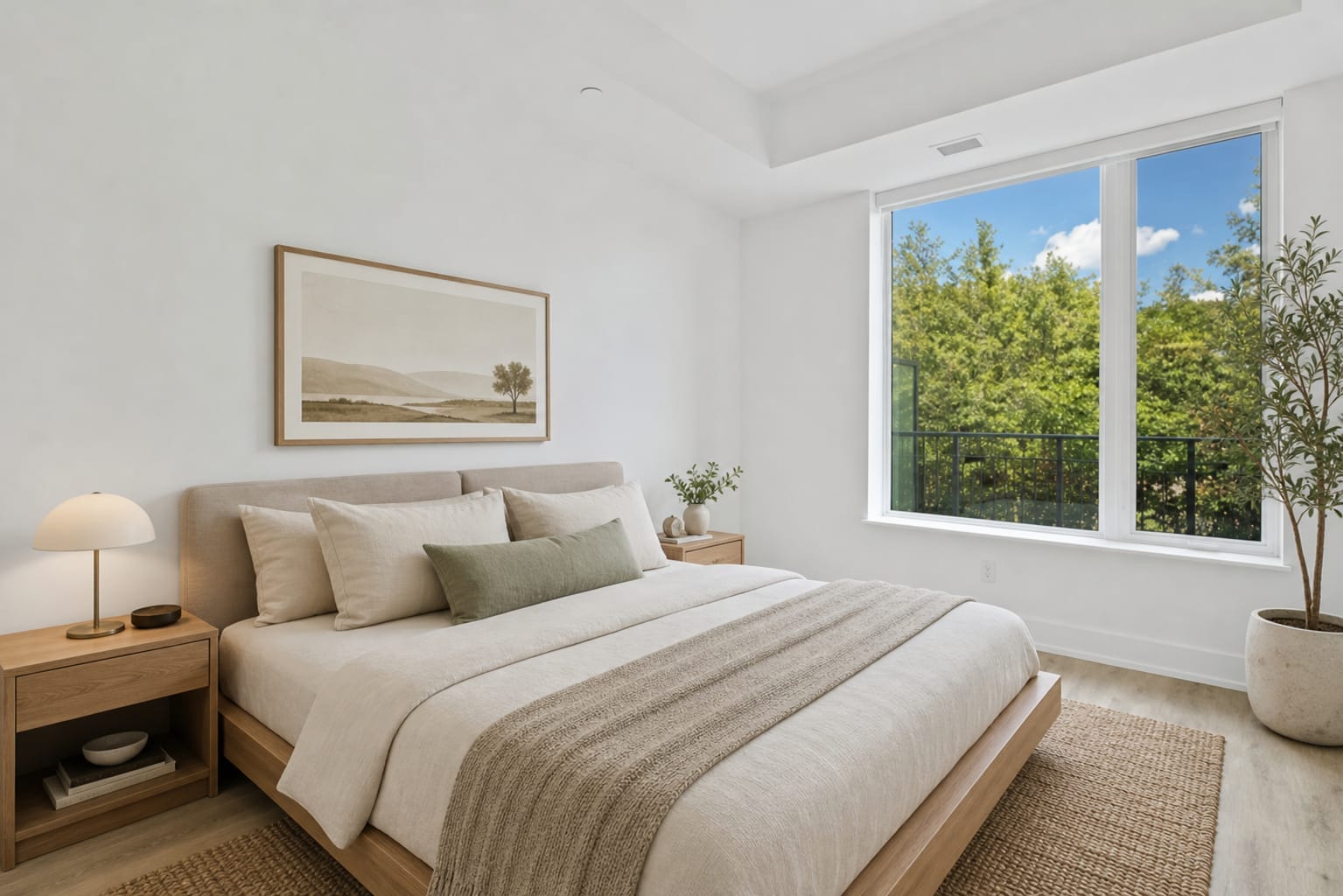
Light colours and soft textiles for a comfortable bedroom.
Real Arch.AI result · 1 generationTry ScandinavianShow a possible furniture arrangement alongside the original photo so buyers understand the actual condition.
Take a wide photo of your room with enough light.
Choose a style to explore. For flooring, select or upload a tile photo.
Compare visual references before choosing furniture or materials to buy.
Virtual staging adds a visual furniture and decoration arrangement to a room photo. It helps prospective occupants imagine its use without moving physical furniture.
Label it as a virtual staging illustration and include the original photo. Avoid misleading buyers about the property’s condition or items included in the sale.
No. The result is a furnishing reference. Buyers and tenants still need to check the real condition, measurements and amenities.
The Starter pack costs Rp25,000 for 5 tokens (Rp5,000 per token). One token covers one AI design generation attempt. Results are visual concepts; check the original photo, measurements and room condition. See the Services page for all packs.
New accounts receive free trial tokens.