Wall Colour Visualizer
Upload a room photo, pick a colour, and see your walls repainted in seconds. Furniture and lighting stay the same.
Drag and drop your room image here
or click to browse (JPG, PNG, GIF)
Wall Colour Visualizer
Wall paint visualizer: upload a photo
Choosing paint from a small swatch often goes wrong. A colour that looks right on the card can feel too dark or too light on your own walls.
Arch.AI's wall colour visualizer repaints the walls in a photo of your own room. Pick a ready-made colour or enter a HEX code, then compare the result with the original photo before you buy a single can.
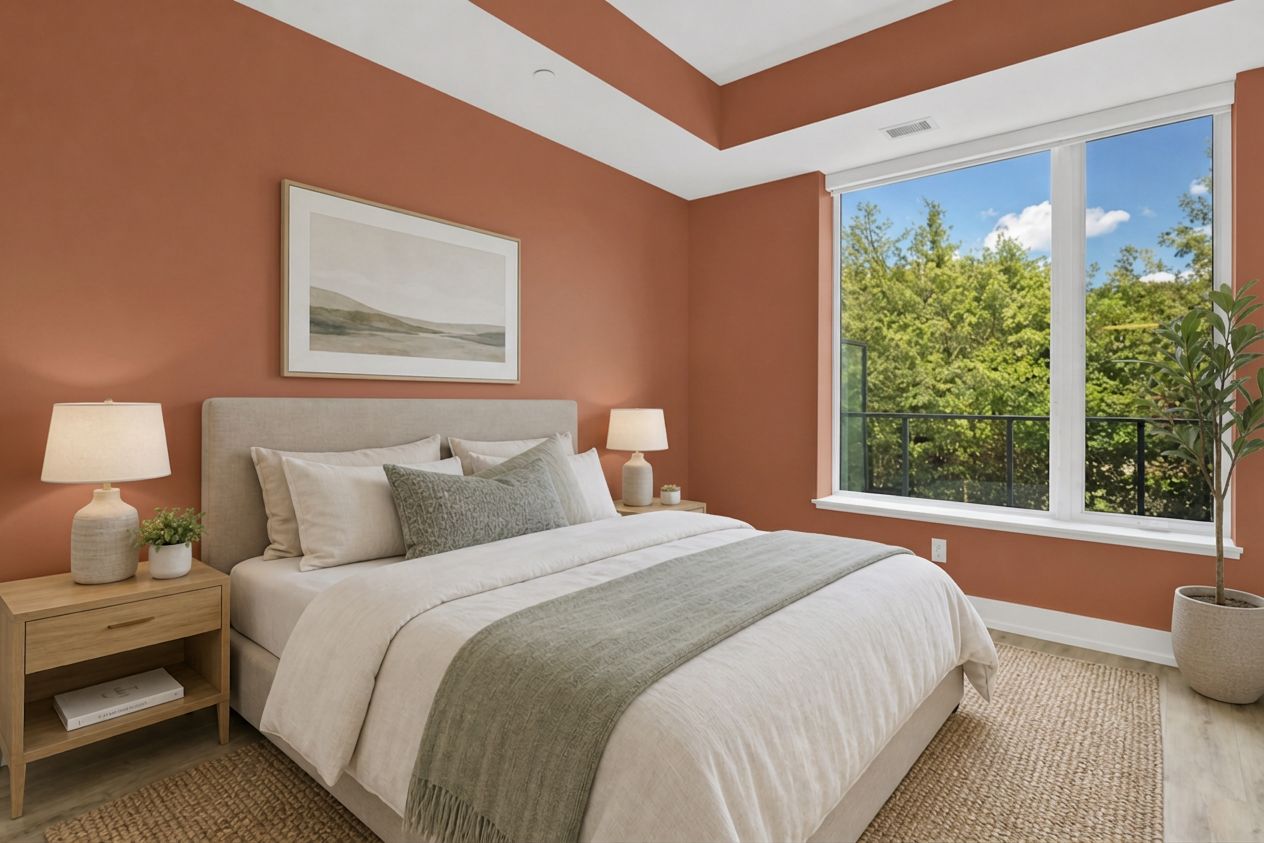
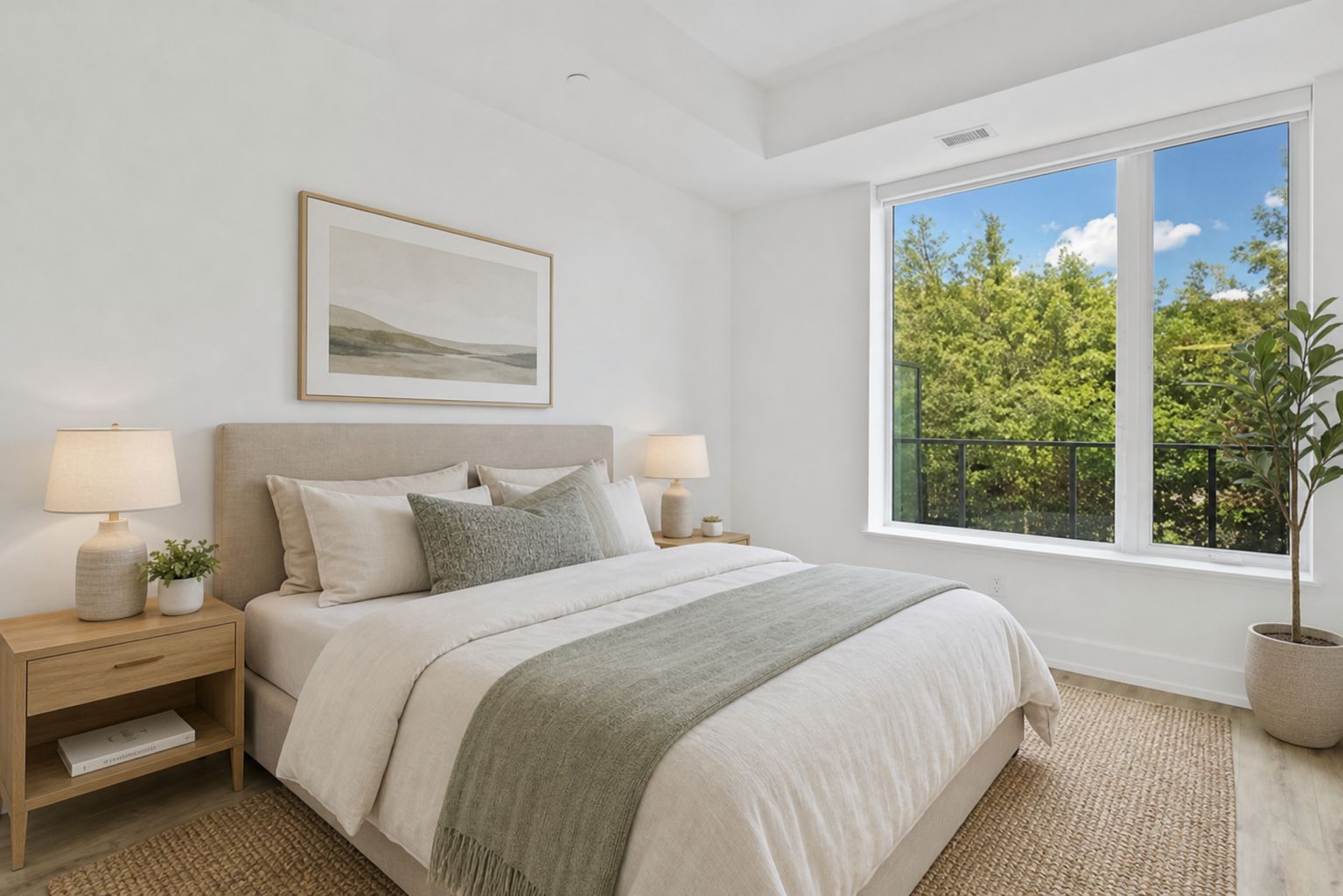
Why try the colour on a photo first
- See the colour in your own room, with its real light and furniture
- Furniture, floor and lighting are kept; only the walls change
- Supports HEX colour codes, so you can try any brand's colour that lists its code
- Compare several colours before you buy paint or book a painter
How to try a paint colour
- 1
Upload a room photo
A well-lit photo of the wall, taken straight on.
- 2
Pick a colour
Choose from 24 ready-made colours or type a HEX code, for example #B9785E.
- 3
Compare the result
Drag the slider to see before and after, then download the result.
Frequently asked questions
Does the furniture change?
No. The AI is asked to repaint the walls only and keep the furniture, floor, lighting and shadows.
Can I try colours from a paint brand's catalogue?
Yes, if the brand's colour card or catalogue lists the HEX code. Enter it in the custom colour field. Colours on screen can look slightly different from paint on the wall, so check a real sample before buying in bulk.
How much does it cost?
Each colour change uses 1 token. New accounts get 3 free tokens to try, and the Starter pack works out at Rp5.000 (about $0.30) per design.
How many litres of paint do I need?
Once you've found the colour, work out litres and cans with our Paint Calculator. Doors and windows are deducted. Open the paint calculator →