Floor Tile Patterns
Tile designs and laying patterns for living rooms, bedrooms, kitchens and bathrooms.
Written by the Arch.AI team · Maintained by Gio · Updated
Tile Patterns
See tile designs on your own floor
The floor is the largest surface in a room, so the tile design strongly shapes how the room feels: spacious or tight, warm or cool, classic or modern.
How the tiles are laid matters too. The same tile can look very different laid straight, diagonally or in herringbone.
For a small living room, start with light plain or marble-look tiles. Compare wood-look tiles for a warmer feel. Pair busy terrazzo or patterned tiles with simpler walls and furniture.
Compare the AI concept with the original photo, physical samples and tile dimensions. Simulations can change colour, pattern scale and grout lines; they do not guarantee an exact product match.
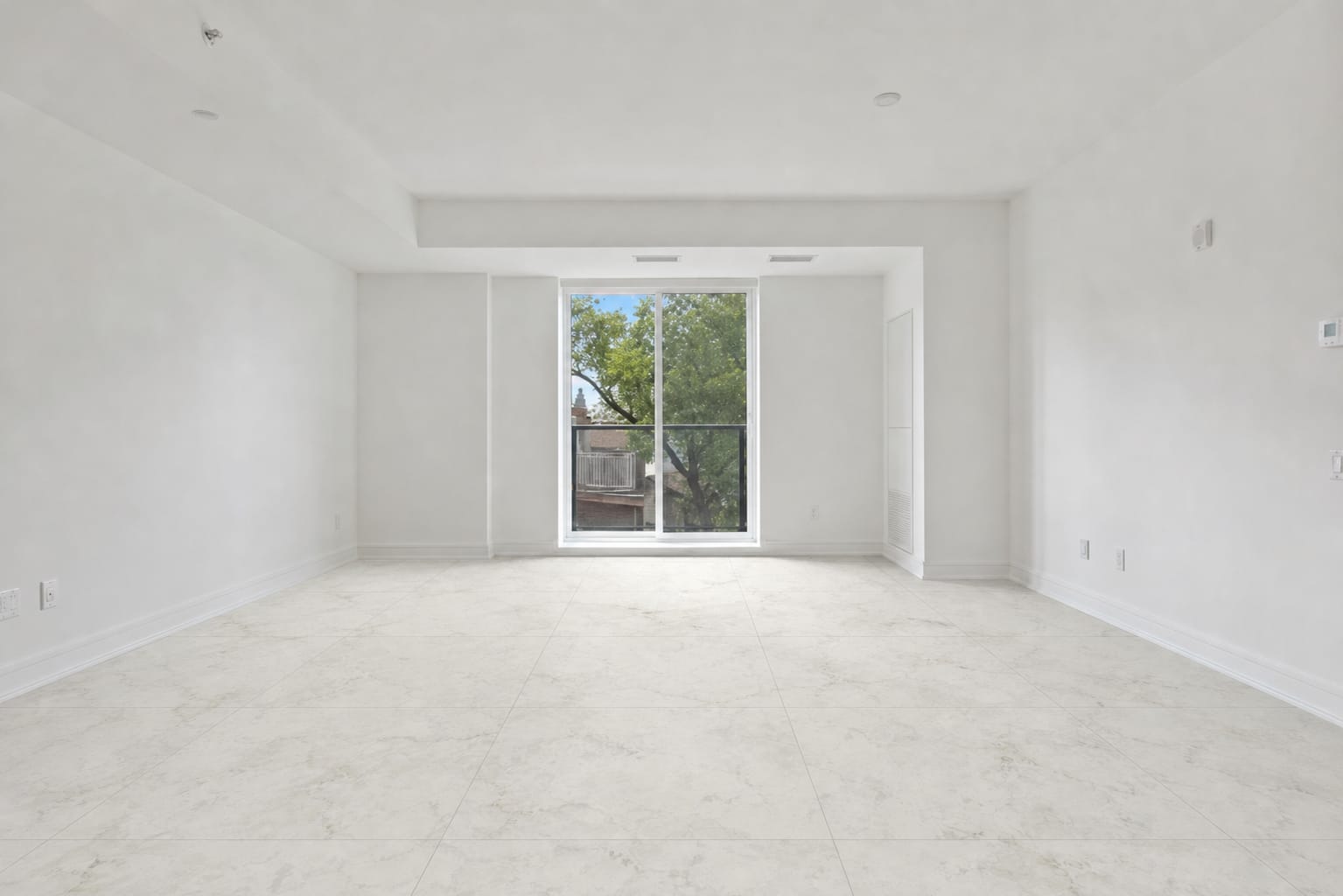
How to compare floor tile patterns before buying
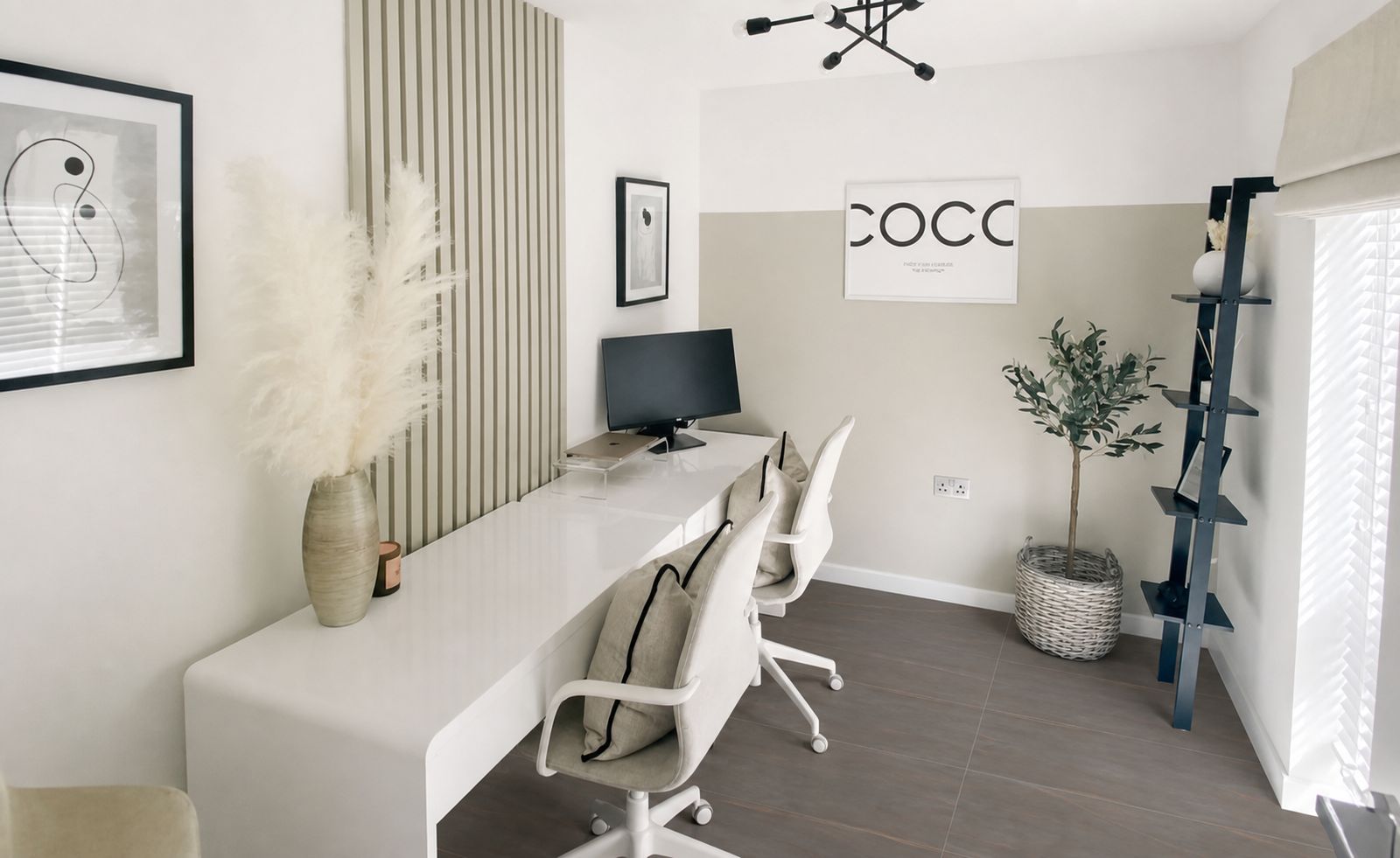
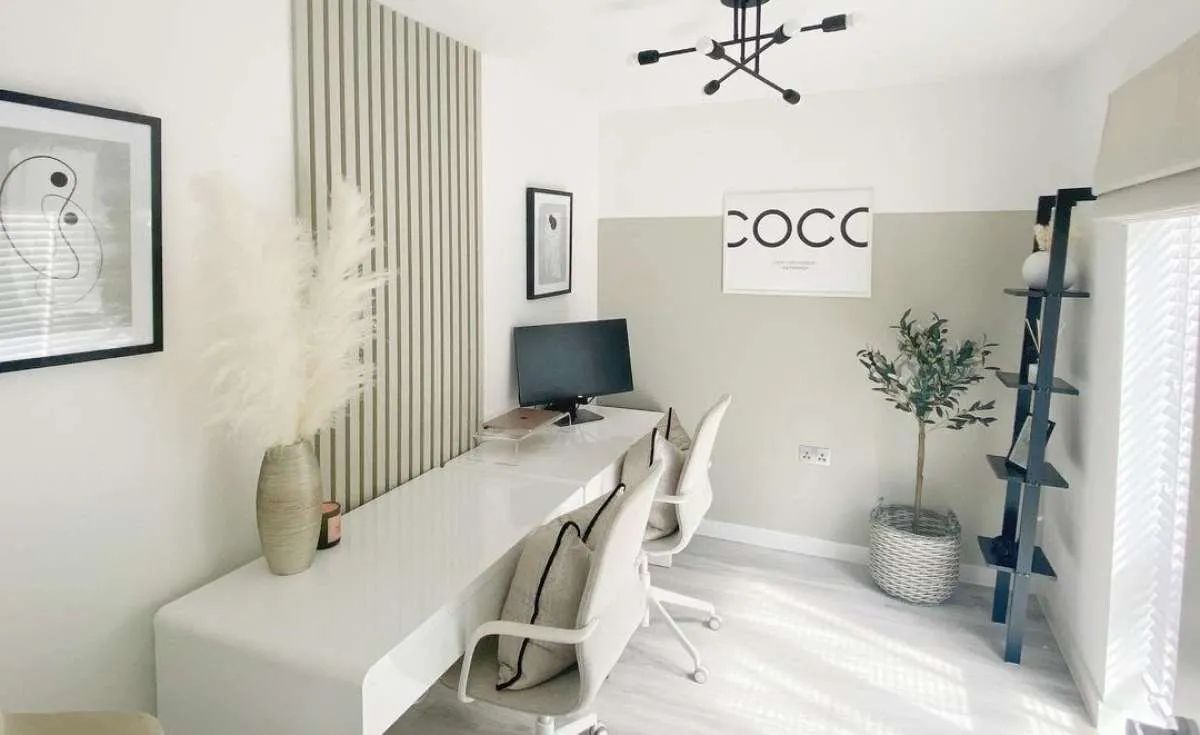
- Use the same room photo to compare two or three patterns. Check windows, floor edges and furniture so that AI changes are not mistaken for material changes alone.
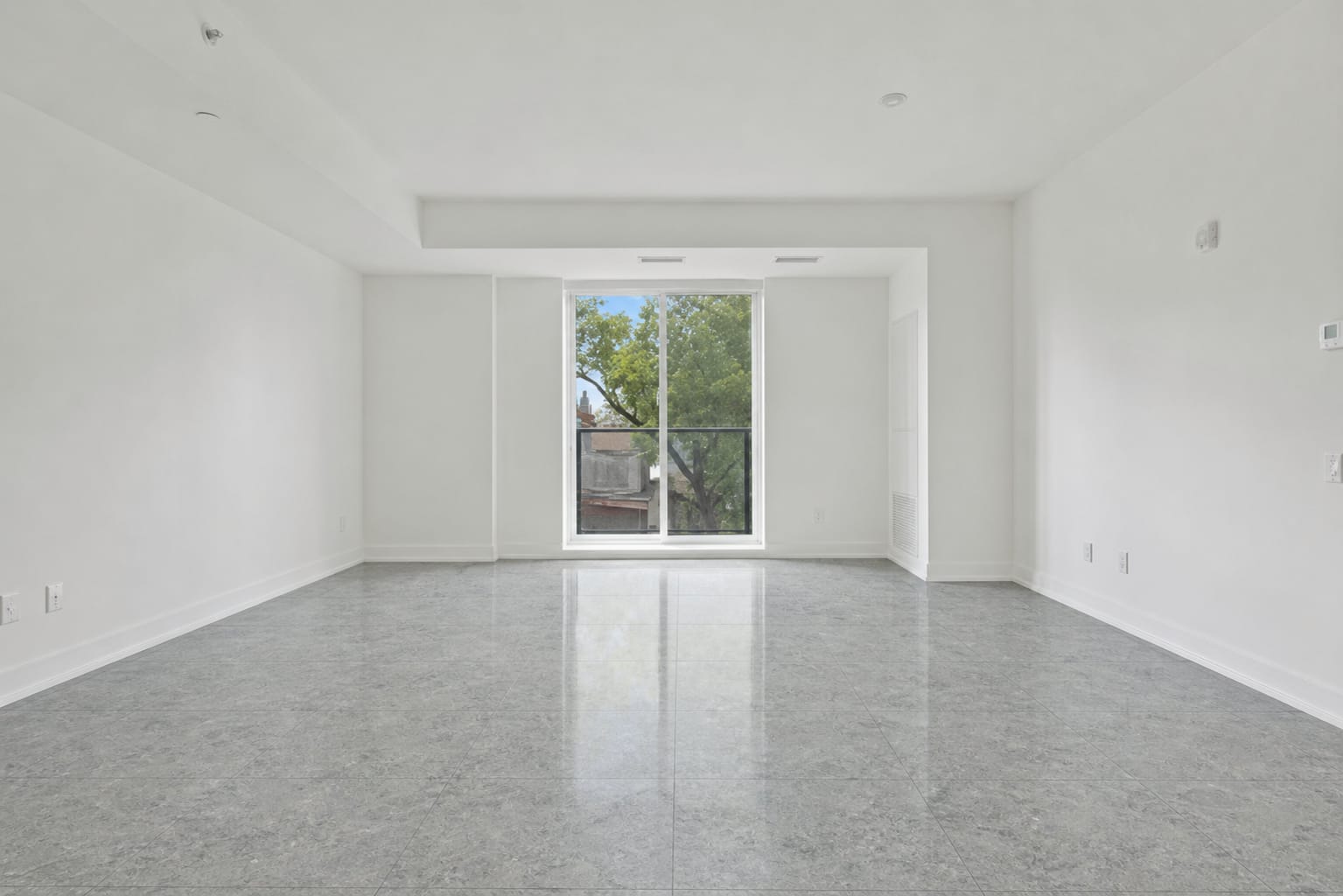
- The grey terrazzo living room and black terrazzo dining room below are different rooms. Use them to explore pattern character, not to conclude which pattern makes a room larger.
- Check tile dimensions, pattern direction, grout width and production batch on the catalogue or packaging. The simulation does not measure tile quantities or guarantee scale.
- Once you choose a look, use the tile calculator for area and box quantities. Adjust box contents and spare tiles to the product and installation plan.
Popular floor tile designs
| Design | Feel | Good for |
|---|---|---|
| White/cream marble | Elegant, bright, looks spacious | Living and family rooms |
| Terrazzo | Modern with a retro touch, hides dirt | Dining rooms, kitchens, busy areas |
| Wood-look | Warm like parquet, water-resistant | Bedrooms, family rooms |
| Plain / concrete-look | Minimalist and industrial | Modern living rooms, kitchens |
| Patterned / encaustic-look | Classic, full of character | Terraces, kitchens, bathrooms, small areas |
| Stone-look | Natural, textured | Terraces, bathrooms, semi-outdoor areas |
Laying patterns
- Straight (grid): the tidiest with the fewest cuts. Suits large 60 × 60 cm tiles and up.
- Diagonal 45°: makes small rooms look wider but needs more spare tiles for cuts (about 15%).
- Brick / running bond: tiles offset by a half or third, good for rectangular and wood-look tiles.
- Herringbone: a classic for wood-look tiles; looks luxurious but is harder to lay and needs more spares.
- Mix patterned and plain: use patterned tiles as a 'rug' in the middle of a room or in one zone only.
Tips for choosing a floor tile design
- Small rooms: choose large, light tiles with thin grout in a matching colour.
- For wet areas, check slip-resistance specifications and intended use in the product's technical sheet. A matt or textured appearance alone does not establish safety.
- Busy patterns work best with plain walls and furniture so the room doesn't feel crowded.
- Run wood-look tiles along the longest side of the room to make it look longer.
- Buy from a single production batch and keep a few spare tiles for repairs.
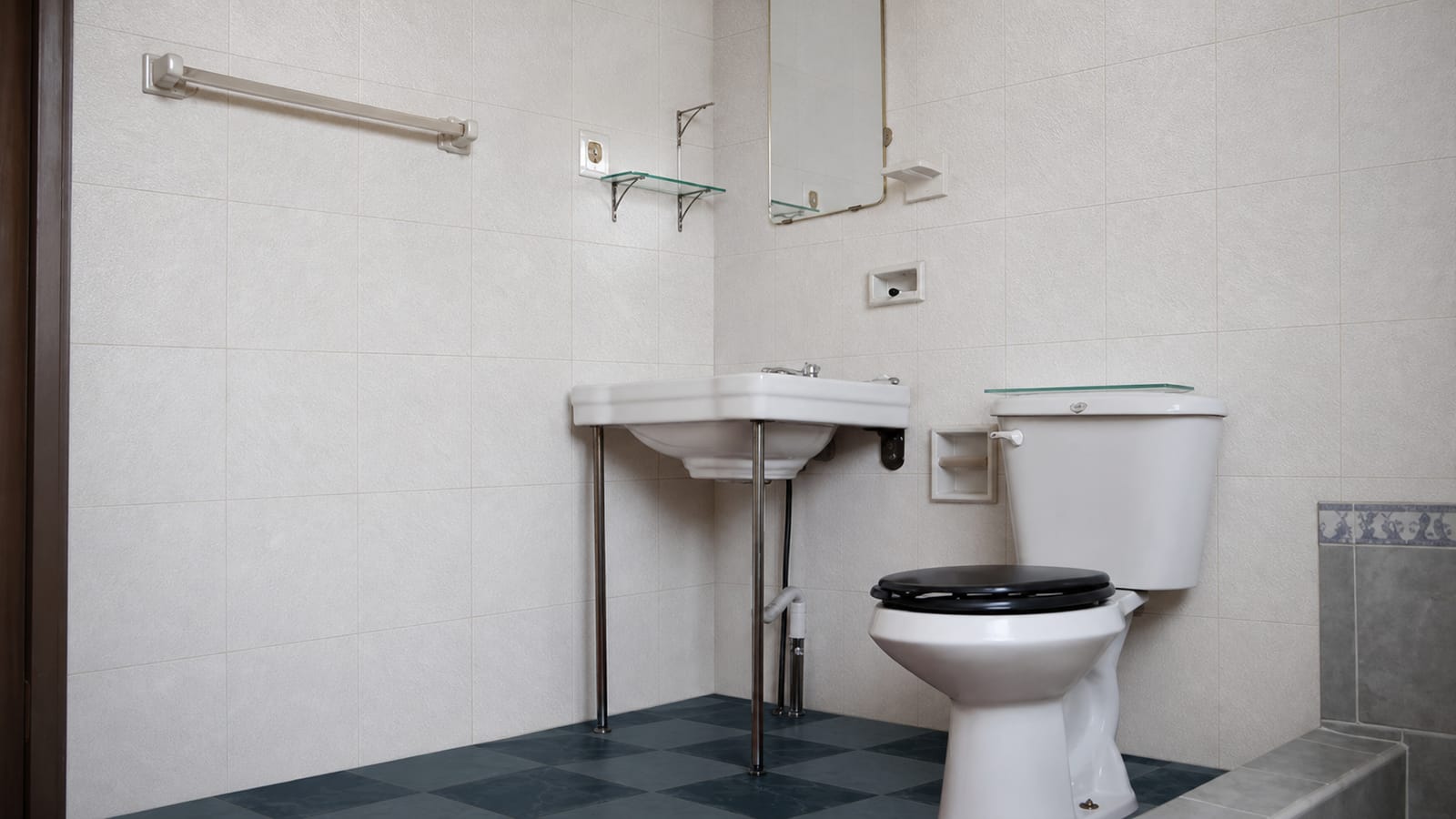
Tile simulation examples from Arch.AI
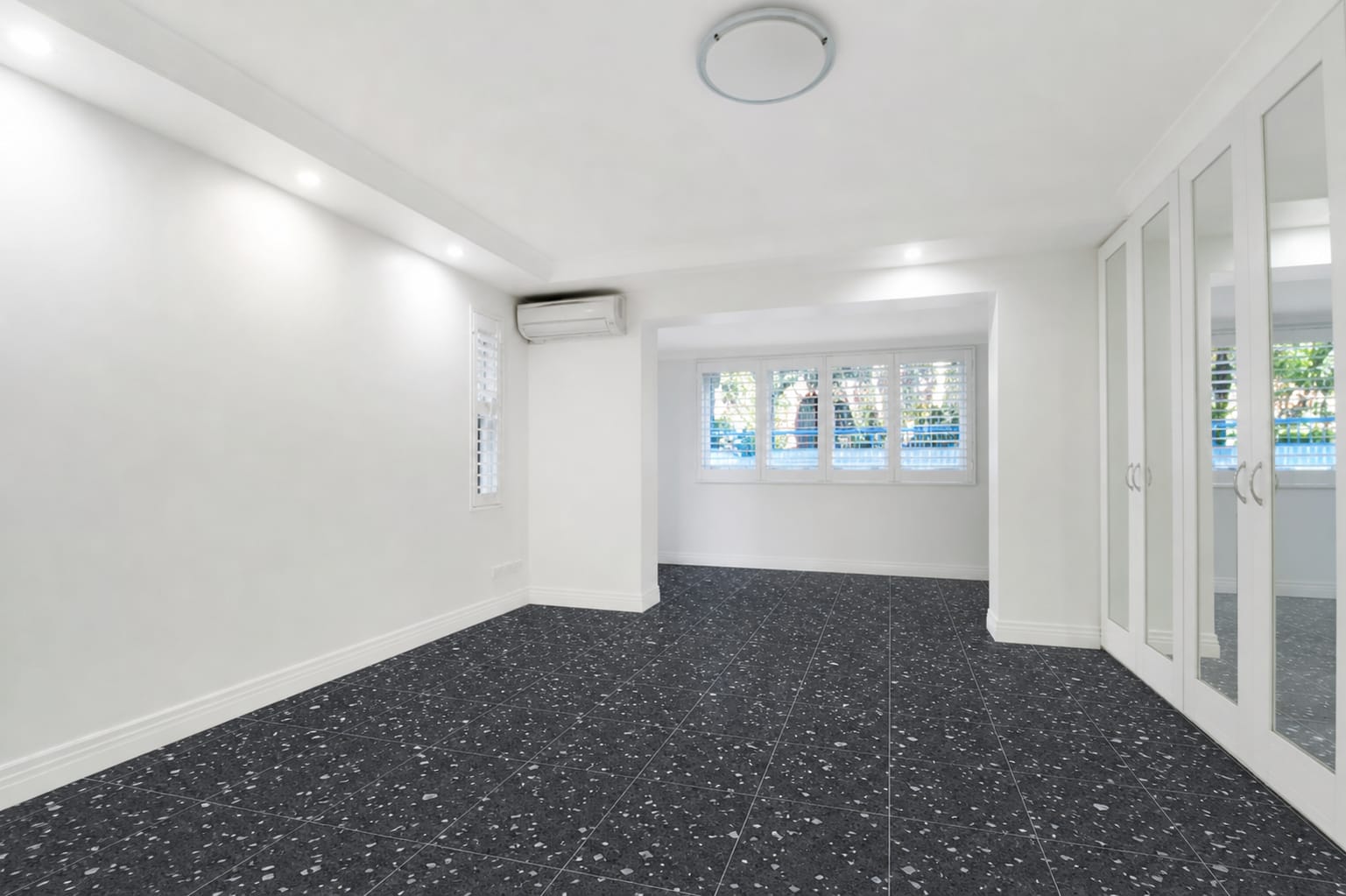
Frequently asked questions
Which floor tile designs make a room look bigger?
Large (60 × 60 cm or more), light plain or marble tiles with thin grout in a matching colour.
Which tile design suits a bedroom?
Wood-look tiles feel warm like parquet but are more water-resistant and easier to maintain. Cream marble or light plain tiles also work.
How many spare tiles for diagonal or herringbone?
About 15%, more than a straight layout (5–10%), because more tiles are cut. Work it out with the tile calculator.
How can I see a tile design in my room before buying?
Upload a floor photo to Arch.AI's Tile Simulation and add a material reference if available. Compare the AI concept with the original and a physical sample. Each attempt uses 1 token; new accounts get free tokens. Processing times vary.